How to Solve This site can’t be reached Error

How to Solve This site can’t be reached Error
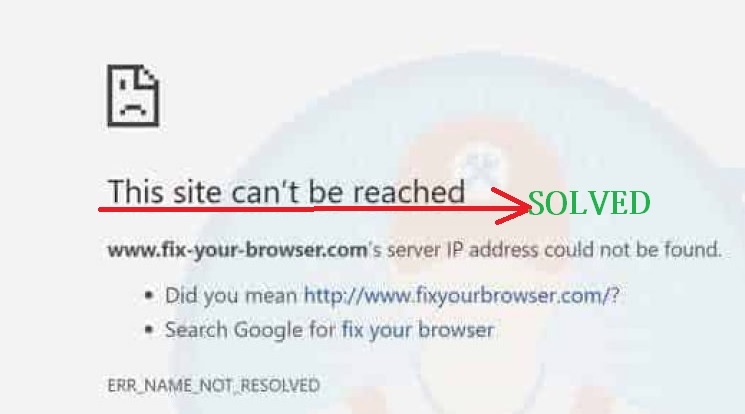
How to Solve This site can’t be reached Error? You must be facing Google chrome error “this site can’t be reached” while try surfing any website. Don’t worry the reason of this site cannot be reached chrome error is many while internet-connected showing in windows 10. It is a common error of Google chrome user … Read more
TP-Link AC1750 Range Extender Mode Setup [Archer C8]

tp-link archer c7 ac1750 range extender

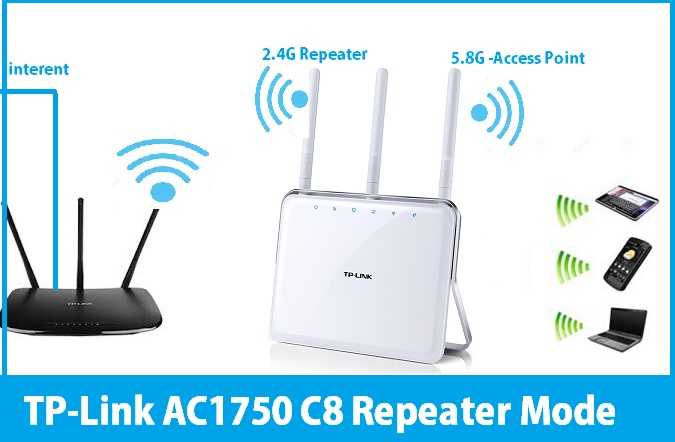
TP-Link AC1750 Range Extender Mode setup in 2.4GHz and boost signal range using 5Ghz. TP-Link AC1750 Range Extender Mode Setup [Archer C8] TP-Link AC1750 Wireless Dual-Band Gigabit Router Archer c8 for home and office internet. It is a high-end wifi router with gigabit port and 1750 Mbps wifi speed which makes live streaming smooth and … Read more

iBall WRB303 300Mbps WiFi Repeater Mode configuration

iBall WRB303 WiFi Repeater Mode configuration

iBall WRB303 WiFi Repeater Mode configuration with non-iBall brand wifi router to improve low signal quality to excellent signal connectivity. iBall WRB303 300Mbps WiFi Repeater Mode configuration iBall WRB303 and WRB304N  300mbps wifi router for home internet with double antenna. It having 1 WAN and 3 LAN port for wired connection for Desktop PC, NVR … Read more

Tenda Router Website Block and Bandwidth Control setting

Tenda Router Website Block and Bandwidth Control setting

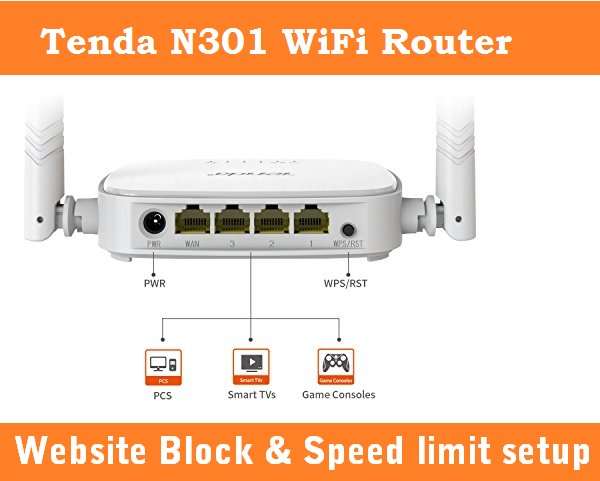
Tenda Router Block Website and Bandwidth Control setting Tenda N300 one of the popular home wifi router with 300Mbps WiFi speed. You need to setup Tenda n301 WiFi router before enabling any security feature. You can manage internet speed as well as utilize small plan as per usage-based. To protect kids from inappropriate internet enable … Read more

How to Check Who is connected to My WiFi

How to Check Who is connected to My WiFi

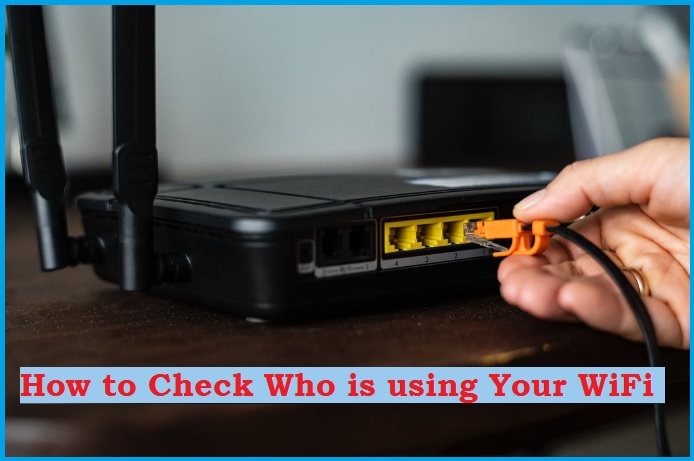
How to Check Who Is On My WiFi Network Everyone connected to the internet using Wi-Fi and mobile network as well. To make a secure home wifi internet you must know who is on your wifi. You cannot stop the range of wireless signals spreading out but you can monitor who is connected to wi-fi. … Read more